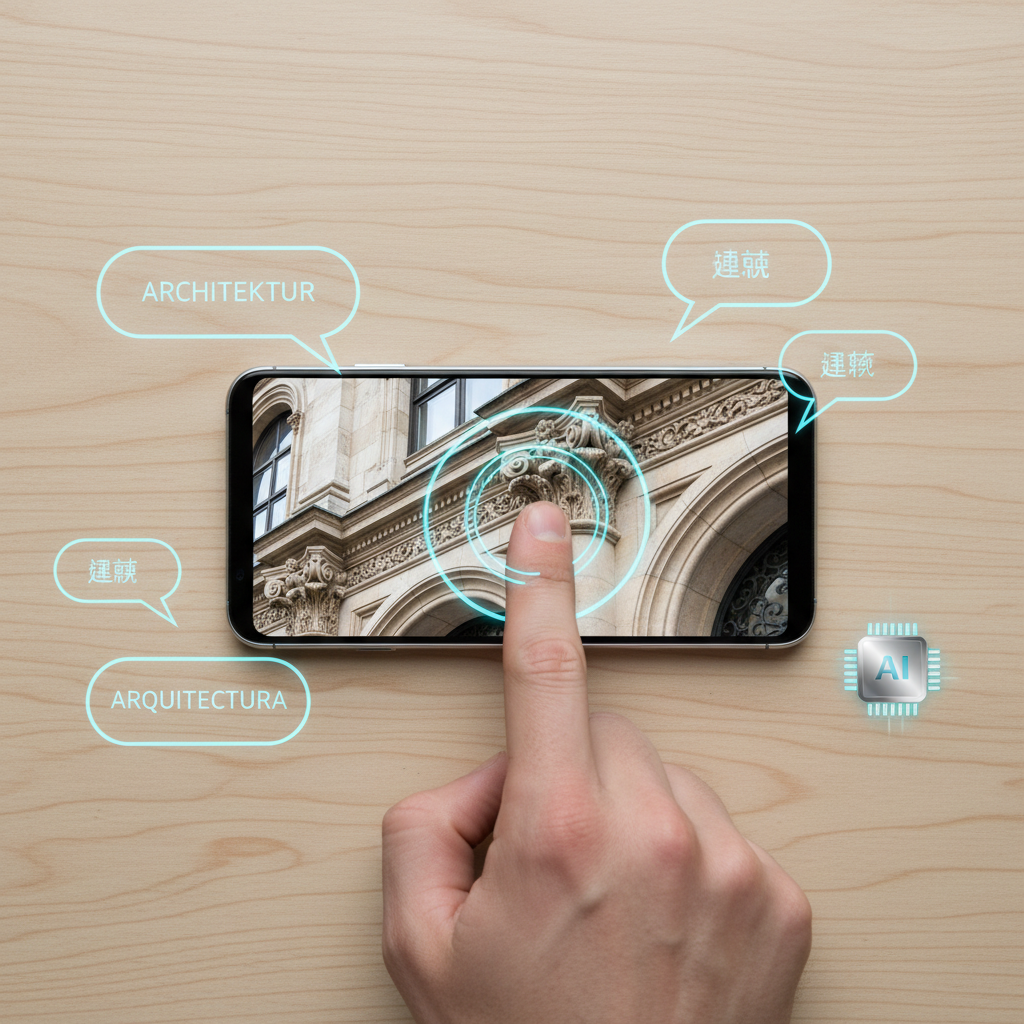
The Shift from Flashy Demos to Functional Utilities
For years, mobile AI felt like a solution in search of a problem. We were promised digital assistants that could book hair appointments (which rarely worked) and photo filters that could turn us into cartoons. It was fun, sure, but it didn’t exactly revolutionize the 9-to-5 grind. That changed recently with the introduction of “Circle to Search” and system-wide “Live Translation” on the latest Android handsets.
These aren’t just buttons you press to show off to your friends at dinner. They represent a fundamental shift in how we interact with the information on our screens. Instead of jumping between five different apps to identify a product, translate a PDF, or research a colleague, the AI now stays in the background, waiting for a gesture. This integration turns your smartphone into one of the best online tools for productivity without forcing you to switch contexts every thirty seconds.
1. Frictionless Research with Circle to Search
Think about your typical research process. You see something interesting in a YouTube video or a LinkedIn post. You long-press a word to copy it (if the app lets you), switch to Chrome, paste the text, and sift through results. Circle to Search eliminates that entire middle section. By long-pressing the home button or navigation bar, you can scribble over anything on your screen—an image, a tiny snippet of text, or a video frame—and get instant Google results.
For students, this makes a useful websites list almost redundant because the search engine comes to you. Imagine studying a complex architectural diagram. Instead of trying to describe a specific style of arch in words, you just circle it. Within a second, you have the history, the terminology, and related examples. It’s visual literacy at its peak. In a professional setting, this is a game-changer for competitive intelligence. If a competitor posts a teaser image of a new product component, you can identify the serial number or the manufacturer instantly without leaving their social media page.
Deep Linking and Social Shopping
Beyond academic research, this tool changes the way we shop and source materials. If you’re a designer looking for a specific textile pattern or a developer trying to identify a UI element, you no longer need specialized search apps. The AI recognizes the context of your circle. If you circle a lamp in a messy room photo, it doesn’t just search for “lamp”; it identifies the specific mid-century modern model and gives you direct links to purchase or read reviews. This turns every pixel on your screen into a searchable database.
2. Breaking the Language Barrier in Real-Time
The “Live Translate” feature on the latest chips—like Google’s Tensor G3 and G4—isn’t just a gimmick for tourists. It’s a powerful asset for international business. Most of us have used a translation website before, but Live Translate works inside your messaging apps like WhatsApp, Signal, and even specialized CRM tools. When a client sends a message in Japanese, your phone translates it in the thread, and when you type back in English, it sends the Japanese equivalent.
This is one of the most effective online tools for business owners who are sourcing products from overseas vendors. It removes the anxiety of a language gap and speeds up the negotiation process. You’re no longer copy-pasting into a separate tab and hoping the nuance didn’t get lost in translation. Because it’s integrated into the operating system, it maintains the flow of the conversation.
Instructional Content Without Borders
One of the most overlooked uses for Live Translate is accessing global knowledge. There are thousands of “how-to” videos on platforms like Bilibili or specialized European forums that have never been subbed in English. Using the Live Caption feature with translation enabled allows you to follow along with highly technical tutorials in real-time. This opens up a world of new AI-driven possibilities for self-led learning that was previously locked behind a language wall.
3. Redefining Note-Taking with AI Summarization
We’ve all been in that meeting—the one that lasts 45 minutes but could have been an email. On the latest Android devices, the Recorder app now does more than just transcribe. It uses on-device AI to summarize the entire transcript into bullet points, identifying key themes and action items. This isn’t just about saving time; it’s about accuracy. When you’re relying on your own notes, you might miss a crucial detail because you were busy typing.
For college students, these are essential online tools for students. You can record a lecture, and while you’re walking to your next class, you can read a concise summary of what was discussed. The AI can even distinguish between different speakers, so you know exactly who raised which point. This level of organization used to require hours of manual work or expensive transcription services. Now, it happens while your phone is in your pocket.
4. Privacy-Conscious Intelligence: The On-Device Advantage
A major concern with the rise of “free online tools” is where your data goes. Usually, “free” means your data is the product. Google has addressed this by moving much of the processing for these AI features “on-device.” This means that when you use Live Translate or certain photo editing features like Magic Eraser, the heavy lifting is happening on your phone’s processor, not in a massive data center a thousand miles away.
This is vital for professionals handling sensitive information. If you’re translating a legal contract or summarizing a private board meeting, you don’t necessarily want those transcripts living on a cloud server. By keeping the AI processing local, these handsets offer a layer of security that web-based AI tools can’t always guarantee. It gives you the power of a large language model without the standard privacy trade-offs.
The Role of the Titan M2 Security Chip
Modern handsets don’t just use AI for cool features; they use it for protection. The integration of specialized security hardware like the Titan M2 chip ensures that the biometric data and encryption keys used by these AI features are isolated. This creates a “secure enclave,” making it vastly more difficult for malicious actors to scrape the contents of your translated messages or your AI-generated summaries.
5. Streamlining the “Micro-Task” Workflow
Most of our “work” on a smartphone consists of micro-tasks: confirming a date, checking a definition, or finding a location. These are small actions that, when repeated fifty times a day, lead to significant cognitive drain. The new AI features act as a “lubricant” for these tasks. Instead of the jarring experience of switching apps, everything happens as an overlay.
For example, if someone mentions a restaurant in a video, you can circle the name and see its rating and menu without pausing the clip. If you’re looking at a flyer in a foreign language through your camera lens, the text translates instantly in the viewfinder. These best websites for daily use often offer similar tools, but they can’t match the speed of a system-level integration. It reduces the “digital friction” that usually kills productivity on a 6-inch screen.
Voice-Activated Efficiency
The evolution of Gemini as the primary assistant on these phones further streamlines the workflow. You can now ask the AI to “Find that document about the Q3 budget” or “What was the name of the cafe we talked about in the text last week?” The AI scans your local files and apps to retrieve data, acting as a personal librarian. This is where the phone stops being a simple communication device and starts being a cognitive prosthetic.
Moving Forward with Intentional AI
The real secret to getting value out of these new features is intentionality. It is easy to ignore them and stick to old habits of manual searching and typing. However, once you incorporate Circle to Search and Live Translate into your daily rhythm, going back to a “non-AI” phone feels like using a rotary phone in the age of fiber optics.
The goal isn’t to let the AI do everything for you. The goal is to let the AI handle the mechanical, repetitive, and boring parts of interacting with technology so you can focus on the actual content. Whether you are identifying a plant in the park or negotiating a contract with a supplier in Berlin, these tools are designed to bridge the gap between your intent and the digital world. The gimmick era of AI is over; the era of the high-efficiency workflow is finally here.
Frequently asked questions
Which phones currently support Circle to Search?
Circle to Search is currently available on the Pixel 8 and Pixel 9 series, as well as the Samsung Galaxy S24 series and several older flagship Galaxy models and Fold/Flip devices. Check your system settings for updates.
Is my data private when using these AI features?
While Google uses data to improve its models, you can manage your Activity controls in your Google Account. For Live Translate, much of the processing happens on-device, meaning the raw audio of your conversation isn’t necessarily being sent to the cloud for real-time processing.
Do I need to pay for a subscription to use these tools?
No. Circle to Search and Live Translate are built-in system features provided by Google for supported Android devices. They do not require a separate subscription like Gemini Advanced to perform standard tasks.
How accurate is the Live Translation for business meetings?
Live Translate works best with clear audio, but Google’s latest models are surprisingly good at handling common accents and slight background noise. However, for legal or medical conversations, a professional human translator is still recommended.
Can I use Live Translate offline?
Yes, you can download language packs for Live Translate in your settings, allowing you to translate text and spoken word even when you don’t have an active internet connection.