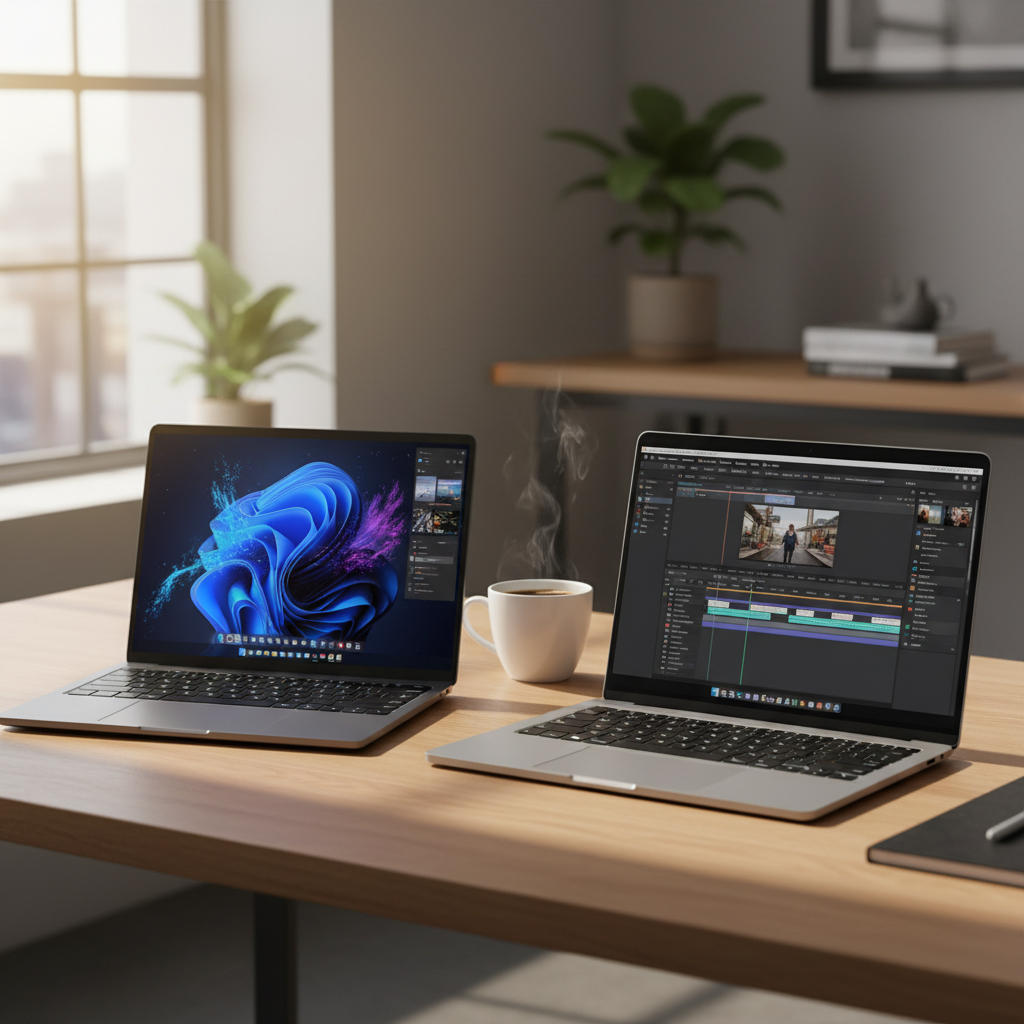
The Great ARM Architecture Rivalry
For years, the choice between a Windows laptop and a MacBook was a trade-off. You chose Windows for flexibility and software compatibility, but you sacrificed battery life and dealt with scorching lap temperatures. You chose a MacBook for silent, cool operation and legendary longevity, but you lived within Apple’s walled garden. That divide is crumbling. With the release of the Snapdragon X Elite, Windows hardware finally has a silicon brain capable of going toe-to-toe with Apple’s M3 chip.
This isn’t just about benchmark scores or synthetic stress tests. When you are sitting in a coffee shop with a dying phone and a tight deadline, you don’t care about “teraflops.” You care about how fast your 4K video renders and whether your battery will survive the afternoon without a brick-sized charger. The Snapdragon X Elite marks the arrival of the Copilot+ PC era, promising to bring Mac-like efficiency to the Windows ecosystem. Let’s break down how these two titans actually handle the daily grind.
Performance: Raw Power vs. Efficiency
The Snapdragon X Elite comes out swinging with a 12-core Oryon CPU. In multi-threaded workloads, it often beats the base 8-core Apple M3. When you’re compiling code or exporting a large batch of RAW photos in Adobe Lightroom, those extra cores make a tangible difference. In several independent tests, the Snapdragon X Elite showed a 15-20% lead in multi-core performance over the M3 found in the MacBook Air.
However, Apple still holds a narrow lead in single-core performance. This matters more than you might think. Most of your “daily driver” tasks—opening a browser tab, launching Slack, or scrolling through a dense PDF—rely on single-core speed. The M3 feels incredibly snappy; it reacts before your finger has finished clicking. The Snapdragon X Elite is close, perhaps the closest any Windows chip has ever been, but the M3 still has that “instant-on” magic that feels just a bit more polished.
The GPU Factor
Creative workflows often live and die by the GPU. Apple’s M3 features a highly optimized GPU with hardware-accelerated ray tracing and mesh shading. If you are a motion designer working in After Effects or a video editor using Final Cut Pro, the integration between Apple’s hardware and software is nearly impossible to beat. The M3 handles ProRes video files like they are simple text documents.
Qualcomm’s Adreno GPU inside the Snapdragon X Elite is no slouch, but it faces a different hurdle: software optimization. While the hardware is powerful, many Windows creative apps are still optimized for NVIDIA or AMD GPUs. DaVinci Resolve runs beautifully on the Snapdragon X Elite because Blackmagic Design optimized it for ARM, but other niche creative tools may still rely on emulation, which eats into that performance advantage.
AI and the NPU: The New Battleground
We can’t talk about these chips without talking about Artificial Intelligence. Microsoft has bet the house on Copilot+, and the Snapdragon X Elite is the flagship vessel for this vision. It features a Neural Processing Unit (NPU) capable of 45 TOPS (Trillion Operations Per Second). For comparison, the NPU in the Apple M3 is rated at 18 TOPS.
What does this mean for your Tuesday morning? On a Snapdragon X Elite laptop, tasks like background blur in video calls, real-time live captions, and local image generation happen almost entirely on the NPU. This keeps the CPU and GPU free to handle your actual work, preventing the fan from spinning up just because you’re on a Zoom call. Apple has been using NPUs—or “Neural Engines”—for years, and while their TOPS count is lower, their integration into macOS for photo indexing and voice recognition is seamless. But on paper, Qualcomm has the beefier AI engine for the next generation of local AI applications.
Real-World Battery Life: The 15-Hour Secret
The headline for the MacBook Air M3 was always its battery life. Being able to leave the charger at home for a full workday was a revolution. In realistic web-browsing tests, the MacBook Air M3 consistently hits between 14 and 16 hours. It is remarkably consistent; it doesn’t matter if you’re on Chrome, Safari, or Discord, the drain is slow and steady.
The Snapdragon X Elite is finally in the same ballpark. In testing with the Surface Laptop 7 and the Dell XPS 13 (9345), we’ve seen battery life numbers that finally rival the Mac. You can easily get 12 to 15 hours of productivity on a single charge. However, there is a caveat: the “Emulation Tax.”
If you spend your day in native ARM apps (Edge, Chrome, Spotify, Office 365, Slack), the Snapdragon is a marathon runner. But if you rely on older, unoptimized x86 apps that have to run through Microsoft’s “Prism” translation layer, the battery takes a hit. The chip has to work harder to translate instructions on the fly, and your 15-hour battery can quickly drop to 9 or 10. Apple dealt with this during their transition from Intel, but since most Mac apps are now native, it’s rarely an issue for M3 users.
Software and the Ecosystem Wall
Choosing between these two is often less about the silicon and more about the “vibe” of your digital life. The Snapdragon X Elite represents the most “modern” version of Windows 11. It’s clean, it’s fast, and features like “Recall” (despite the privacy debates) aim to change how we interact with our files. If your life is tethered to OneDrive, Excel, and PowerBI, the Snapdragon experience is elite.
The Apple M3, conversely, is the ultimate extension of the iPhone. The Continuity features—copying a link on your phone and pasting it on your laptop, or using your iPad as a second screen—are features that Windows still struggles to replicate with the same level of polish. For creative professionals, the color management in macOS remains superior. When you export a video on a MacBook, you have a high degree of confidence that the colors will look the same on an iPhone or a high-end TV. Windows still struggles with HDR and color profile consistency across different hardware manufacturers.
The Compatibility Question
Windows on ARM has come a long way, but it isn’t perfect. Before buying a Snapdragon X Elite laptop, you need to check your “must-have” list. Do you use an obscure VPN for work? Does your printer have 10-year-old drivers? Do you use specialized CAD software? While the Prism emulator is better than any previous attempt by Microsoft, it isn’t 100%. Some kernel-level software, particularly anti-cheat for games and some deep-system utilities, simply won’t run. The M3, being several generations into Apple’s ARM journey, has virtually zero compatibility issues left to solve.
Design and Hardware Variety
If you buy an M3 chip, you are almost certainly buying it in a MacBook Air or a MacBook Pro. You know exactly what you’re getting: a world-class trackpad, a great (though notched) display, and a sleek aluminum chassis. It is the safe, high-quality “default” choice.
The Snapdragon X Elite offers variety. You can get it in the Surface Pro, which is a tablet-first 2-in-1. You can find it in the Lenovo Yoga Slim 7x with its stunning 90Hz OLED screen, or the HP OmniBook X. This variety is a double-edged sword. You might get a better screen or a more versatile form factor with the Snapdragon, but you have to do your homework. Not every Snapdragon laptop has a great trackpad, and not every one of them has a screen that rivals the Liquid Retina display of the Mac.
Cost of Entry: The Value Proposition
Historically, MacBooks were the “expensive” option. Today, the script has flipped slightly. You can often find a MacBook Air M3 on sale for around $999-$1,099. Most Snapdragon X Elite laptops are launching in the $1,199 to $1,499 range. While you often get more base storage (usually 512GB or 1TB) and more RAM (16GB minimum) on the Snapdragon side compared to Apple’s stinging 8GB base model, the “starting price” for the Windows machines is higher.
For a pro-sumer, the Snapdragon X Elite often offers better value because Apple’s RAM and storage upgrades are notoriously overpriced. A Snapdragon laptop with 32GB of RAM is significantly cheaper than a MacBook Air configured with 24GB of RAM. If your daily driver involves heavy multitasking or data-heavy spreadsheets, the Snapdragon’s price-to-specs ratio is much more attractive.
Which One Should Sit in Your Bag?
The “Better Daily Driver” isn’t the one with the highest benchmark; it’s the one that removes the most friction from your day.
Choose the Apple M3 if:
- You are already deep in the Apple ecosystem (iPhone, iCloud, Apple Watch).
- You do professional video editing or color-critical work.
- You want a “tried and true” experience with no software compatibility worries.
- You value the best-in-class trackpad and speaker experience.
Choose the Snapdragon X Elite if:
- You prefer the Windows snapping and file management system.
- You want to experiment with the latest “Copilot+” AI features and local LLMs.
- You need 16GB or 32GB of RAM without paying the “Apple Tax.”
- You want a touchscreen or a 2-in-1 form factor like the Surface Pro.
- Your workflow is primarily browser-based and uses native ARM apps like Office and Slack.
The arrival of the Snapdragon X Elite is the best thing to happen to the laptop market in a decade. It has forced the industry to stop settling for mediocre battery life and noisy fans. Whether you go with the polished reliability of the M3 or the AI-forward versatility of the Snapdragon, you are finally getting a machine that can keep up with your brain without needing to be tethered to a wall outlet. The gap has closed, and for the first time, Windows users can walk into a cafe with the same confidence as the person with the glowing Apple logo.
Frequently asked questions
Can I run Linux on a Snapdragon X Elite laptop?
The Snapdragon X Elite is designed specifically for Windows 11 on ARM. While some Linux distributions are working on support, it is not currently a plug-and-play experience for most users.
Is the M3 better than Snapdragon for video editing?
The Apple M3 remains superior for video editing in Final Cut Pro and Logic Pro, while the Snapdragon X Elite excels in tasks leveraging NPU-accelerated features like Microsoft Copilot and specific AI-driven photo filters.
Can these laptops play AAA games?
Through the Prism emulator, many x86 games run on Snapdragon, but performance is inconsistent. Apple’s Game Porting Toolkit has made Mac gaming better, but neither is a dedicated gaming platform.
Do all Snapdragon X Elite laptops support Copilot+ features?
Yes, the Snapdragon X Elite laptops are essentially the ‘flagship’ devices for Microsoft’s Copilot+ features, including Recall, Live Captions, and Cocreator.
Which chip has better battery life?
Both chips are class-leading in efficiency. In light web browsing and video playback, the M3 often holds a slight lead, but the Snapdragon X Elite offers significantly better battery life than any previous Intel-based Windows laptop.