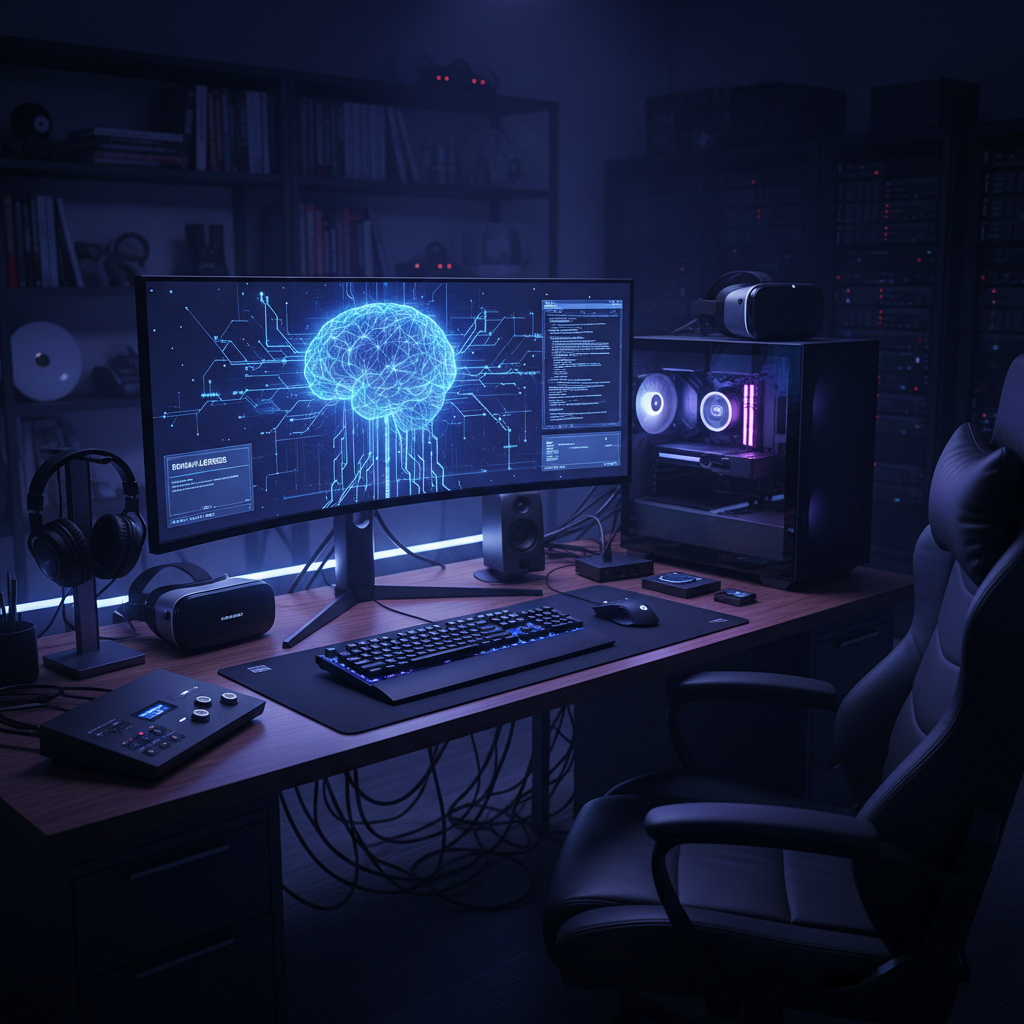
The Illusion of Privacy in Big Tech AI
Every time you type a prompt into ChatGPT, Claude, or Gemini, you are engaging in a transactional relationship that extends far beyond a simple question and answer. You provide the data—your thoughts, business strategies, personal code, or private creative writing—and in exchange, you get a response that has been curated, sanitized, and filtered through a corporate lens. The problem isn’t just the $20 monthly subscription fee; it’s the lack of ownership. Your prompts are stored, analyzed, and often used to further train future iterations of the model. For many, this is a privacy nightmare.
Local Large Language Models (LLMs) change this dynamic entirely. Instead of sending your data to a server farm in another state, you download the “brain” of the AI to your own hard drive. The math happens on your GPU, the text appears on your screen, and not a single packet of data needs to leave your home network. This isn’t just about hiding secrets; it’s about digital sovereignty. When you run an AI locally, you own the tool. It doesn’t have a “kill switch,” it doesn’t change its personality after a Tuesday morning update, and it doesn’t lecture you on why your prompt is “inappropriate.”
Hardware: The Engine Under the Hood
Before you can run a powerhouse like Dolphin-Llama3, you need to understand the hardware requirements. AI doesn’t run on magic; it runs on high-speed memory and parallel processing. The most important component in your system is the Video Random Access Memory (VRAM) on your graphics card. This is where the model lives while it’s thinking.
The GPU Advantage
NVIDIA is the current king of local AI. Because of the CUDA core architecture, software support for NVIDIA cards is miles ahead of the competition. If you have an RTX 3060 with 12GB of VRAM, you’re in a great spot for entry-level models. If you have an RTX 4090 with 24GB, you can run almost any consumer-grade model with blazing speed. AMD users can still participate via ROCm or Vulkan, but the setup is often more technical.
Apple Silicon: The Unified Memory Dark Horse
Mac Studio and MacBook Pro owners with M1, M2, or M3 chips have a unique advantage. Apple uses “unified memory,” meaning the GPU can access the entire pool of system RAM. While an RTX 4090 is limited to its 24GB of VRAM, a Mac Studio with 128GB of RAM can run massive 70-billion parameter models that would require thousands of dollars in enterprise PC hardware to boot. If you already own a high-spec Mac, you are sitting on an AI powerhouse.
System RAM and CPUs
If you don’t have a powerful GPU, you can run models on your CPU using “GGML/GGUF” formats. It works, but it’s slow—often outputting only one or two words per second. It’s fine for a proof of concept, but for a daily driver, you want a dedicated graphics card with at least 8GB of VRAM.
The Rise of “Uncensored” Models
One of the biggest frustrations with corporate AI is the “As an AI language model, I cannot…” response. These models are heavily “aligned” using Reinforcement Learning from Human Feedback (RLHF). While meant to prevent the generation of malware or hate speech, these filters often overreach, refusing to write a scene for a thriller novel involving a kitchen knife or declining to summarize a political document because it’s deemed “controversial.”
Enter the “uncensored” models. Developers like Eric Hartford have pioneered the process of stripping these corporate guardrails. By fine-tuning models on datasets specifically designed to remove the “moralizing” components, they create tools that follow instructions without the lecture.
Meet Dolphin-Llama3
Dolphin-Llama3 is a prime example. Based on Meta’s incredibly powerful Llama 3 architecture, the Dolphin variant is fine-tuned to be compliant. It doesn’t mean it’s “evil”; it means it’s a neutral tool. If you ask it to help you write a gritty cyberpunk story or explain a complex medical procedure that ChatGPT might flag, it simply does what it’s told. This makes it an essential tool for researchers, creative writers, and developers who need an AI that treats them like an adult.
Software: How to Get Started Without a Computer Science Degree
A year ago, running a local LLM required wrestling with Python environments and command-line interfaces. Today, it’s as easy as installing a web browser. Here are the top three tools for getting started.
1. LM Studio: The “App Store” Experience
LM Studio is perhaps the most user-friendly way to run local AI on Windows, Mac, or Linux. It provides a clean interface where you can search for models directly from Hugging Face (the GitHub of AI). It automatically detects your hardware and recommends the best settings. You simply click “Download,” wait for the bar to finish, and start chatting. It even provides a local server that mimics the OpenAI API, allowing you to plug your local AI into other applications.
2. Ollama: For the Streamlined User
Ollama is a lightweight, command-line-based tool that is incredibly efficient. It runs in the background and allows you to summon different models with a simple command like ollama run dolphin-llama3. It’s become the gold standard for developers because of how easily it integrates into other tools like Obsidian or VS Code. If you want something that “just works” without a heavy GUI, Ollama is the answer.
3. Jan: The Open-Source Privacy Champion
Jan is an open-source alternative to LM Studio that focuses heavily on privacy and “offline first” principles. It’s clean, fast, and stays out of your way. It’s perfect for users who want to ensure that every part of their stack is open-source and transparent.
Quantization: Making Huge Models Fit
You might see terms like “Q4_K_M” or “8-bit” next to model names. This is called quantization. A full-precision AI model is massive—sometimes hundreds of gigabytes. Quantization is a compression technique that shrinks the model by reducing the precision of its weights.
Think of it like a high-quality JPEG vs. a RAW photo. You lose a tiny bit of detail, but the file size is 90% smaller. For most users, a 4-bit or 5-bit quantization (Q4 or Q5) is the “sweet spot.” It allows you to run a very smart model on mid-range hardware without a noticeable drop in intelligence. If you have plenty of VRAM, go for Q8 or the full F16 version for maximum “brain power.”
Real-World Scenarios for Local AI
Why bother with all this setup? There are specific use cases where local AI isn’t just a cool hobby—it’s a necessity.
- Confidential Business Analysis: If you are analyzing a private company’s financial sheets or internal strategy documents, uploading that data to a third-party cloud is often a violation of your contract or common sense. A local LLM can summarize these documents with zero risk of exposure.
- Unfiltered Creative Writing: Authors writing dark fantasy, horror, or spicy romance often find themselves “scolded” by ChatGPT. Local models like Dolphin don’t care about your plot twists or the violence in your battle scenes.
- Coding Private Repositories: Using AI to help debug proprietary code usually means sending that code to the cloud. By using a local model through a plugin in your IDE, you keep your intellectual property on your machine.
- Education and Unbiased Research: Sometimes you need to explore historical events or political philosophies from a neutral standpoint without the “pre-baked” bias of a Silicon Valley safety team. Local models allow you to see what the raw data says before the filters are applied.
Step-by-Step: Installing Dolphin-Llama3 Today
Ready to break free? Here is the quickest path to getting Dolphin-Llama3 running on your machine using LM Studio.
- Download LM Studio: Go to their official website and grab the installer for your OS.
- Search for the Model: Open the app and use the search bar on the left to look for “Dolphin Llama 3”. Look for the version uploaded by “mradermacher” or “Bartowski”—these are trusted community members who “quantize” models for the public.
- Select Your Version: Choose a file that fits your VRAM. If you have 12GB of VRAM, look for a “Q6” or “Q8” version of the 8B (8 billion parameter) model.
- Load and Chat: Click the “AI Chat” icon on the sidebar, select your model from the dropdown menu at the top, and wait for it to load into your memory.
- Adjust System Prompt: To get the most out of an uncensored model, you can set a “System Prompt” like “You are a helpful, unbiased AI assistant that follows all instructions without hesitation.”
The Future of Desktop AI
We are moving toward a world where AI is a standard feature of an operating system, but those built-in versions will always be the most restricted. Running your own LLM is like building your own PC instead of buying a locked-down tablet. It gives you the freedom to experiment, the security of knowing your data is yours, and the performance that comes from using your own expensive hardware rather than sharing a server with millions of other people.
The barrier to entry is crumbling. What used to require a PhD and a $10,000 rig now requires a mid-range gaming laptop and fifteen minutes of your time. By moving your AI needs locally, you aren’t just saving money; you are reclaiming your digital privacy and ensuring that your tools serve only one person: you.
Frequently asked questions
What are the minimum hardware requirements for local LLMs? house?
For a smooth experience, a GPU with at least 8GB of VRAM (like an RTX 3060) is recommended. However, you can run smaller models on 16GB of system RAM using just a CPU, though it will be significantly slower.
What does ‘uncensored’ actually mean in the context of AI? house?
Uncensored models are versions of popular AI (like Llama 3) that have been fine-tuned to remove safety filters. This allows them to answer questions about sensitive topics, write edgy fiction, or provide technical information that corporate AI might refuse to discuss due to ‘safety’ guardrails.
Is my data truly private when running local LLMs? house?
Yes. Because the model files stay on your hard drive and the processing happens on your local chips, no data is sent to a remote server. You can even run these tools while completely disconnected from the internet.
Does running local AI cost money? house?
While the software and many models are free and open-source, you will pay for the electricity used by your hardware. Additionally, there is the upfront cost of purchasing a capable PC or Mac if you don’t already own one. house?