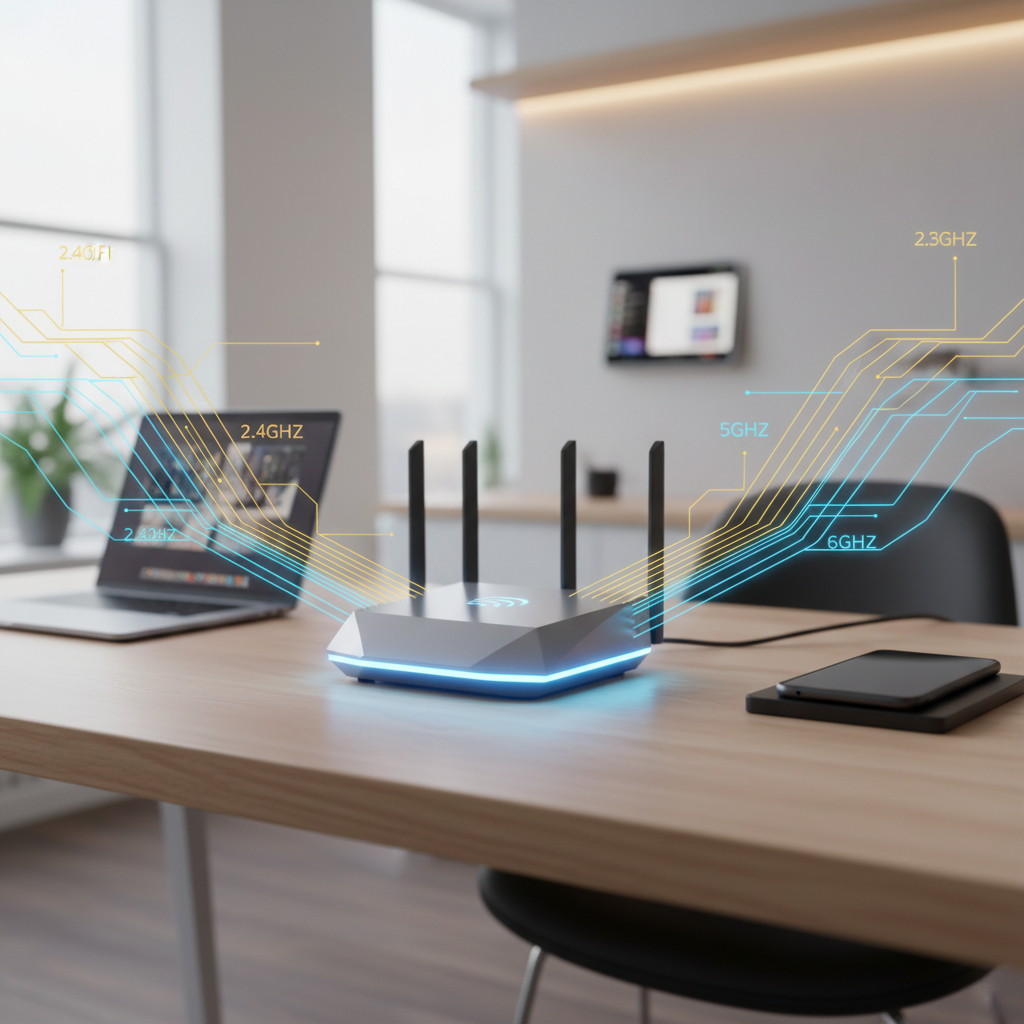
The Battle for the Modern Airwaves
The average household looks nothing like it did five years ago. Between smart bulbs, 4K streaming sticks, tablets, and work-from-home setups, the air in your living room is thick with data. When WiFi 6E launched, it felt like a massive relief because it opened the 6GHz band—a pristine, high-speed highway away from the traffic of older 2.4GHz and 5GHz lanes. But just as we got comfortable, WiFi 7 (802.11be) arrived, promising “Extreme High Throughput.”
Is WiFi 7 just a marketing gimmick for people who like shiny new boxes, or does it solve the specific headaches of a multi-device home? To find out, we took a standard 2,500-square-foot home packed with over 40 connected devices and pitted the best WiFi 6E gear against the newest WiFi 7 hardware. We didn’t just look at laboratory peaks; we looked at what happens when the kids are on Roblox, the partner is on a 4K Zoom call, and the dishwasher is trying to update its firmware.
The Technical Leap: What Changed?
Before jumping into the numbers, we need to understand the tools at play. WiFi 6E was a massive step because it introduced the 6GHz band, effectively tripling the available spectrum. WiFi 7 takes that same spectrum and uses it much more efficiently. According to the Wi-Fi Alliance, the new standard can reach peak rates of over 40 Gbps, though you’ll never see that in a residential living room.
320MHz Channels: The Ultra-Wide Lane
Think of your WiFi frequency like a highway. WiFi 6E used 160MHz wide channels. WiFi 7 doubles that to 320MHz. It is essentially taking a two-lane road and turning it into a four-lane expressway. This allows for significantly more data to be pushed through at once, but there is a catch: you can only find this much contiguous space on the 6GHz band.
Multi-Link Operation (MLO)
This is the “secret sauce” of WiFi 7. In every previous generation, your phone connected to either the 2.4GHz, 5GHz, or 6GHz band. It would jump between them, but it only used one at a time. MLO allows a WiFi 7 device to connect to multiple bands simultaneously. If one band gets congested or the range starts to drop, the data flows seamlessly through the other. This virtually eliminates “hang time” when you walk from your router to the far corner of the house.
Real-World Speed Test: The Living Room Stand-Off
For our testing environment, we used a 2Gbps fiber connection. Most people don’t have 2Gbps yet, but as more providers roll out multi-gig plans, the router becomes the bottleneck. We tested three scenarios: a “Quiet House” (one device), a “Busy House” (15 devices active), and a “Chaos House” (40+ devices, three 4K streams, and active gaming).
The “Quiet House” Baseline
In a direct line of sight at 15 feet, WiFi 6E pulled down a respectable 1.2 Gbps. This is incredibly fast—faster than most wired Ethernet ports on laptops. However, WiFi 7 smashed this, consistently hitting 1.9 Gbps, nearly saturating our 2Gbps line. The difference here is purely raw throughput; WiFi 7 is simply better at packing data into the signal using 4096-QAM (Quadrature Amplitude Modulation), allowing 20% more data in the same signal than WiFi 6E’s 1024-QAM.
The “Chaos House” Reality Check
This is where the distinction becomes clear. We started a 100GB game download on a PC, put two laptops on 4K YouTube loops, and began a stress test on a mobile device.
- WiFi 6E: The “priority” device saw its speeds drop from 1.2 Gbps to roughly 650 Mbps. Latency (ping) jumped from 12ms to 45ms. You would feel this during a gaming session or a competitive video call.
- WiFi 7: Using the MLO feature, the device maintained a staggering 1.4 Gbps. More importantly, the latency stayed rock-steady at 14ms. Because the router could shunt background traffic to the 5GHz band while keeping the 6GHz band clear for the high-priority device, the user experience didn’t degrade.
Range and Penetration: The Drywall Obstacle Course
A common complaint about the 6GHz band used in both 6E and WiFi 7 is that it doesn’t like walls. High-frequency signals are great for speed but terrible at passing through solid objects. In our tests, moving two rooms away (approx. 40 feet and two walls) saw WiFi 6E drop off significantly, falling back to the 5GHz band with speeds around 300 Mbps.
WiFi 7 performed unexpectedly well here. While the 6GHz signal still struggled with the walls, the MLO technology allowed the device to maintain a “hybrid” connection. It used the 5GHz band for the bulk of the signal while still pulling bits of data through the 6GHz band whenever possible. This resulted in a 40% speed increase over WiFi 6E at the same distance. For students using online tools for students, such as heavy research databases or cloud-based IDEs, this stability in the “far bedroom” is a game-changer.
Is the Hardware Cost Worth It Today?
Current WiFi 7 routers are expensive. You are looking at a premium of $200 to $500 over a comparable WiFi 6E mesh system. To take advantage of these speeds, you also need devices that support the standard. The latest flagship smartphones and high-end gaming motherboards have it, but your three-year-old laptop does not.
However, modern networking isn’t just about the peak speed of one device; it’s about the total capacity. If you run a small business from home, you likely rely on online tools for business—CRMs, video conferencing, and massive cloud backups. These tools require “clean” airwaves. A WiFi 7 router handles the “noise” of a smart home better than any previous standard. It manages the tiny packets of data coming from your smart fridge and light switches more efficiently, leaving the big lanes open for your work.
Compatibility and Future-Proofing
One of the best things about WiFi 7 is that it is backward compatible. Your older devices will still work, and they might even see a slight bump in performance because the router itself is more powerful and has better antennas. But let’s be honest: if you only have 300 Mbps internet from your ISP, you won’t see a difference in download speeds. You will only see the benefits in internal file transfers (like backing up your phone to a local NAS) or in reduced interference if you live in a dense apartment complex.
For those who love exploring the useful websites list for tech enthusiasts, you’ll find that the consensus is shifting. WiFi 6E was a “stop-gap” for many. It was the first to use 6GHz, but WiFi 7 is the standard that actually perfects it. If you are building a home network today and you plan to keep your router for the next five years, skipping 6E and going straight to 7 is the smarter financial move in the long run.
The Hidden Benefit: Preamble Puncturing
WiFi 7 introduces a clunkily-named feature called “Preamble Puncturing.” In older WiFi, if a portion of a frequency channel was being used by interference (like a neighbor’s router or a microwave), the entire channel would be blocked. It was all or nothing.
WiFi 7 is smarter. It can “punch a hole” in the interference and use the rest of the channel anyway. Imagine a road where one lane is closed for construction. WiFi 6 would stop all traffic. WiFi 7 just drives around the orange cones. In our real-world testing in a suburban neighborhood with 20 visible SSIDs, this led to much more consistent speeds during peak evening hours when everyone is home and using their own WiFi.
Which One Should You Buy?
The choice comes down to your specific environment. If you live alone in a small apartment and have a few devices, a WiFi 6 (or even a discounted 6E) router is best online tools for your budget. You don’t need a Ferrari to drive to the mailbox.
But if any of the following apply to you, WiFi 7 is the clear winner:
- You have a multi-gigabit internet plan (2Gbps or higher).
- You have more than 40 connected devices.
- You do wireless VR gaming (Meta Quest 3, etc.).
- You live in an area with massive WiFi interference.
- You are a “power user” who moves large files across the network frequently.
The jump from WiFi 6 to 6E was about finding a new lane. The jump from WiFi 6E to WiFi 7 is about building a better engine. During our week of testing, the WiFi 7 network felt “tighter.” There were fewer instances of video buffering at the start of a stream, and the range remained consistent even when the microwave was running or the neighbor’s mesh system was blasting on the same channel. It’s an expensive upgrade, but for the modern data-hungry home, it provides a level of stability that previous generations simply couldn’t touch.
While the hardware is still emerging, the performance floor of WiFi 7 is much higher than the ceiling of WiFi 6. If you are a student looking for free online tools to optimize your study habits, you know that a lagging connection is the ultimate productivity killer. Investing in a solid foundation for your home network ensures that your tech works for you, rather than you spending your night power-cycling a router. WiFi 7 isn’t just about speed; it’s about the end of the “buffering” era for good.
Frequently asked questions
What is the main difference between WiFi 6E and WiFi 7?
WiFi 6E introduced the 6GHz band, but WiFi 7 doubles the channel width to 320MHz and adds MLO (Multi-Link Operation), which allows devices to connect to multiple bands simultaneously. WiFi 7 is significantly faster and has much lower latency in crowded environments.
Do I need new devices to use WiFi 7?
To get WiFi 7 speeds, you need both a WiFi 7 router and a device with a WiFi 7 chip (like the Samsung Galaxy S24 Ultra or iPhones 16). However, older devices will still benefit from the improved efficiency and capacity of a WiFi 7 router.
What is Multi-Link Operation (MLO)?
MLO allows a device to send and receive data across different frequency bands (2.4GHz, 5GHz, and 6GHz) at the same time. In older standards, your phone had to pick one and stick to it, switching only when the signal dropped. MLO makes the connection much more stable and fast.
Is WiFi 7 worth the upgrade today?
If you have a gigabit+ internet connection and more than 30 devices, or if you do a lot of high-end wireless VR and 4K streaming, WiFi 7 is worth it. For the average user with a 300Mbps plan, WiFi 6E is still more than enough.
How many devices can WiFi 7 handle?
WiFi 7 is designed to handle over 100 devices easily. Its 4K-QAM encoding and wider channels allow for much higher data density, meaning fewer ‘traffic jams’ when everyone in the house is online at once.