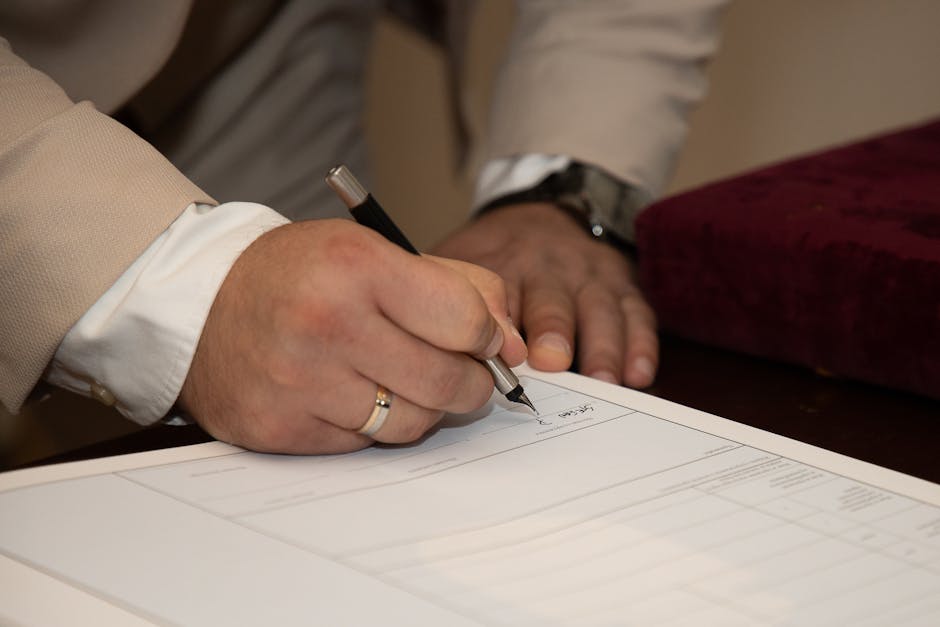
So, you finally finished your USCIS petition.
You proofread it three times, paid the filing fee, and hit submit.
Then, a few weeks later, you get an email titled something like ‘Request for Evidence.’ And the first thing listed on that list? The signature.
It happens all the time.
Honestly, it’s one of the most frustrating parts of the immigration process.
You spend months preparing a case, and USCIS rejects the signature. Oddly enough,
But recently, there’s been a shift in how they handle this.
It used to be okay to scan a wet ink signature, but not anymore.
If you want your petition to move forward without a headache, you need to understand the new USCIS signature rule.
What Exactly Is Changing?
Basically, USCIS is pushing harder for electronic signatures rather than the old-school ‘wet ink’ method. And this is where things get interesting.
When we say ‘new rule,’ we don’t mean a law passed by Congress, but rather a strict enforcement policy.
They are asking for proof that the signature is authentic and not just a blurry scan of your John Hancock.
From what I’ve seen in the trenches, if you are filing for an H-1B, an OPT extension, or even a Green Card renewal, you need to be careful.
The agency wants to verify that you, the applicant, are the one signing the document.
A simple typed name in all caps? That usually gets flagged as insufficient. Now think about that for a second.
A proper digital signature? That’s what they want.
The Core of the New Rule
The main idea is that the signature must be made with a trustworthy electronic signature system. Here’s the interesting part.
This means you can’t just scribble on a piece of paper, scan it, and upload it as a PDF.
They want the signature to be embedded in the PDF itself, showing that it was created by you specifically.
Digital Signatures vs.
Wet Ink: What’s the Difference?
This is where people get tripped up.
They think, ‘It’s the same thing.’ It’s not.
Here is the breakdown.
- Wet Ink Signature: You sign with a pen.
You scan it.
The image is just a picture of your signature.
- Digital Signature (Electronic Signature): You sign electronically using software.
This creates a digital certificate or an encrypted link that proves the signature is yours.
USCIS is moving away from the first one.
Why? Probably because it’s easier to forge a scanned image than it is to break an encryption key.
If you are still scanning wet ink, you are likely to get an RFI (Request for Evidence).
Which Forms Are Affected?
It’s not just one form.
This signature requirement applies to almost all forms that require a signature.
Think about it:
- Form I-129 (Petition for a Nonimmigrant Worker)
- Form I-539 (Application to Extend/Change Nonimmigrant Status)
- Form I-765 (Application for Employment Authorization)
- Green Card renewal forms (I-90, I-551)
Basically, if the form asks for a signature, the new rule applies.
If you are unsure, check the specific instructions for the form you are filing.
It’s always safer to go digital than to risk a rejection.
How to Properly Sign Your USCIS Forms
Okay, so you agree that you shouldn’t scan a pen signature.
But how do you do it ‘right’? You have a few options.
Option 1: DocuSign or Adobe Sign
This is the most common method.
Platforms like DocuSign or Adobe Acrobat make it super easy.
You upload the PDF form, click where to sign, and drag and drop your digital signature. But there’s a catch.
This creates a certified electronic signature.
It meets all the USCIS criteria because it’s a secure electronic record.
Option 2: Adobe Acrobat’s ‘Sign’ Tool
If you have the paid version of Adobe Acrobat, you can use their built-in e-sign tool.
It’s free for the user if you have the subscription.
You draw your signature or upload an image, and Adobe ‘applies’ the signature to the document.
This is generally considered acceptable.
Option 3: Just Type Your Name (With Caution)
Can you just type your name at the bottom of the page? You can, but it’s risky.
USCIS sometimes rejects this if the rest of the form looks automated or if the formatting is off.
They prefer a proper electronic signature. But there’s a catch.
If you type your name, make sure you include the full name, not just the first initial.
Common Mistakes to Avoid
Most people don’t mean to break the rules, but they do.
Here are the big ones I see:
- The Scanned Signature: Printing the form, signing it with a pen, and scanning it.
As mentioned, this is usually not accepted anymore.
The signature looks like a piece of paper.
- Multiple Signatures: Don’t sign with a pen and then add a digital signature later.
It looks messy.
Choose one method and stick to it.
- Blank Spaces: Don’t leave huge empty spaces between paragraphs just to fit your signature in.
It looks suspicious.
What to Do If You Already Got an RFI?
Don’t panic.
If you got an RFI about your signature, it’s actually good news in a way.
They are just asking for clarification.
You don’t need to re-file the whole petition.
You just need to submit the corrected signature.
You can often upload the corrected pages directly to your USCIS online account.
Just make sure the new signature is a proper electronic signature, not a scan.
It’s a quick fix that can get your case moving again.
And hey, if you are doing a lot of filing—like if you are an attorney or an HR manager—getting a business account with an e-signature platform is a smart move.
It saves paper, it saves time, and it keeps USCIS happy.
Good luck with your application.
It’s a messy process, but getting the small details right makes a huge difference.
Image source: pexels.com
Image source credit: pexels.com