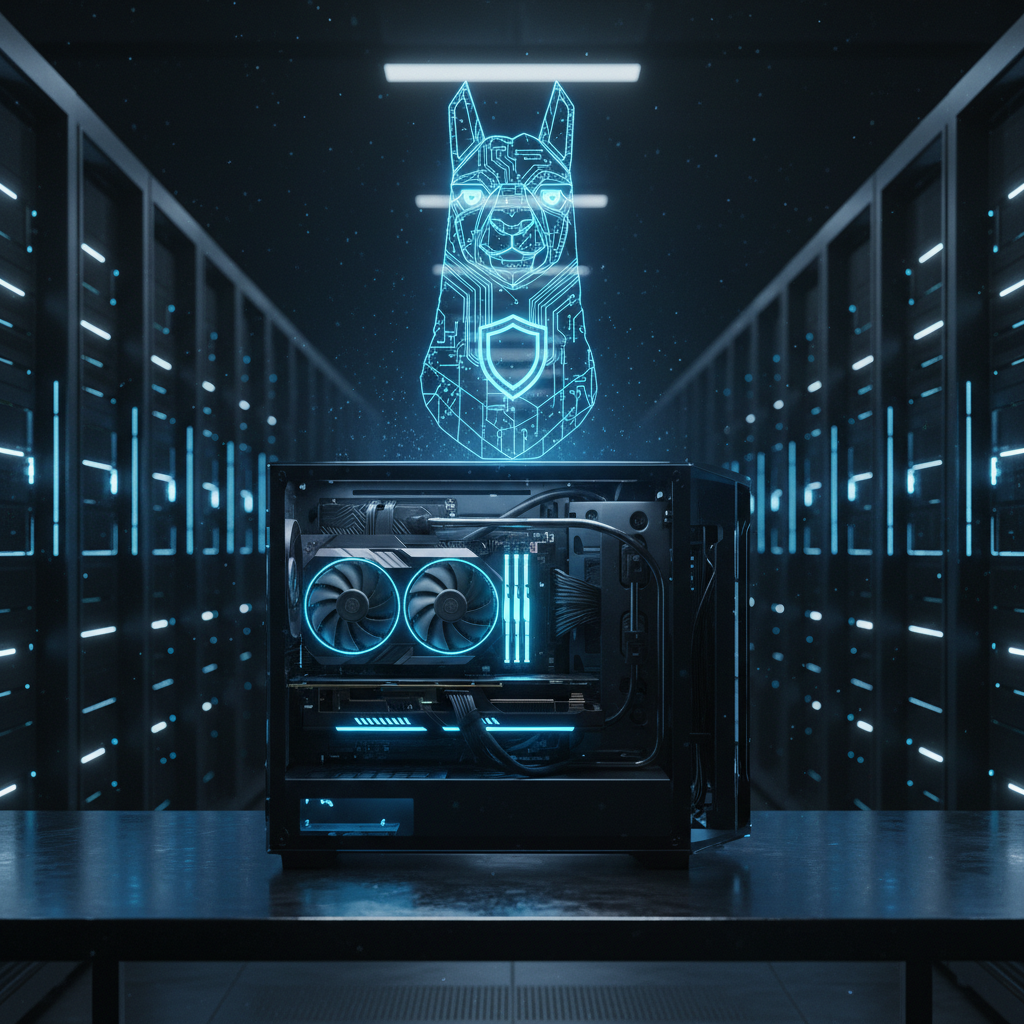
The Case for the Sovereign Stack
Data is the most valuable asset your business owns. Yet, every time an employee pastes a sensitive internal report or a snippet of proprietary code into a public AI chatbot, that data potentially feeds a third-party model. For many industries—law, healthcare, and high-tech manufacturing—this risk is a deal-breaker. This concern has birthed the concept of “Sovereign AI.”
Sovereign AI isn’t just a buzzword. It represents a fundamental shift from renting intelligence to owning it. Instead of sending packets of data to a server in Virginia or Dublin, you run the model on a rack in your basement or a secure local server. Meta’s Llama 3 has changed the game here. It provides GPT-4 class performance in a package that can actually fit on hardware you can buy at a retail computer store. By building your own local stack, you bypass the privacy concerns associated with even the best online tools, ensuring your proprietary secrets remain precisely where they belong: under your control.
Why Llama 3 is the Catalyst
Meta’s release of Llama 3 marked a turning point for open-weights models. Previous iterations were impressive but often felt a step behind the leading proprietary systems. Llama 3, specifically the 70B and the more compact 8B versions, offers a level of reasoning and creative capability that makes it viable for complex business automation. Because the weights are available for download, you aren’t tethered to an API or a monthly subscription that could change its terms of service overnight.
The 8B model is the “sweet spot” for many small to mid-sized businesses. It is small enough to run on a high-end laptop or a modest workstation, yet it is smart enough to handle email drafting, basic coding assistance, and document summarization. For more intense reasoning tasks, the 70B model competes with the heavy hitters, though it requires meatier hardware. The goal of a Sovereign AI setup is to utilize these weights within a “black box” environment where no data leaks out to the open internet.
Hardware: The Foundation of Your Local AI
You cannot run a Sovereign AI on a standard office PC with integrated graphics. Large Language Models (LLMs) live and die by Video RAM (VRAM). When the model “thinks,” it needs to load its billions of parameters into the memory of your Graphics Processing Unit (GPU). If the model doesn’t fit in the VRAM, it spills over into system RAM, and performance drops from “lightning fast” to “glacial.”
The “Prosumer” Build (Ideal for the 8B Model)
If you are looking to support a small team or a single workstation, you don’t need a six-figure budget. A machine equipped with an NVIDIA RTX 3090 or 4090 is the gold standard here. These cards come with 24GB of VRAM. This is plenty of room to run Llama 3 8B at high “quantization” (more on that later) or even a squeezed-down version of the 70B model.
- GPU: NVIDIA RTX 3090/4090 (24GB VRAM)
- RAM: 64GB DDR5
- Storage: 2TB NVMe SSD (LLM files are large, often 5GB to 50GB each)
- CPU: AMD Ryzen 9 or Intel i9
The Enterprise Server (Ideal for the 70B Model)
To serve an entire department, you need something more robust. This is where you look at dual-GPU setups or specialized workstations like the Mac Studio with M2/M3 Ultra. Apple’s “Unified Memory” architecture is surprisingly effective for AI because it allows the system to use up to 192GB of RAM as if it were VRAM. Alternatively, a rack-mounted server with NVIDIA A100 or H100 cards is the professional choice, though availability can be a struggle. You can check current hardware performance benchmarks on sites like Lambda Labs to see how different GPUs handle transformer-based models.
Setting Up the Software Environment
Once the hardware is humming, you need a way to talk to the model. You don’t need to be a Python expert to get this working. Several tools have emerged that make it as easy as installing a text editor.
Ollama: The Simplest Path
For those who want to get up and running in five minutes, Ollama is the answer. It is a lightweight framework that manages model downloads and runs a local server. You simply type ollama run llama3 in your terminal, and the model is live. It provides a local API that mimics the OpenAI format, meaning you can point many online tools for business that usually require an API key to your local machine instead.
LM Studio: The GUI Approach
If you prefer a visual interface, LM Studio allows you to search for models on Hugging Face, download them, and chat with them in a sleek UI that looks like ChatGPT. It provides a “Local Server” mode, allowing other computers on your office network to query the model running on your powerhouse workstation.
Quantization: Making Big Models Fit in Small Spaces
You will often see model names followed by codes like “Q4_K_M” or “FP16.” This refers to quantization. Imagine a high-resolution photo. If you save it as an uncompressed TIFF, the file is massive. If you save it as a high-quality JPEG, it looks almost identical but takes up 10% of the space. Quantization does this for AI.
Most models are released in FP16 (16-bit precision). By quantizing them to 4-bit (Q4), you reduce the memory requirement by nearly four times with only a negligible hit to “intelligence.” For a business, a 4-bit or 8-bit quantized version of Llama 3 70B is often the perfect balance between speed, memory usage, and accuracy.
RAG: Giving Your AI a Company Brain
A vanilla Llama 3 model knows a lot about the world, but it knows nothing about your Q3 sales targets or your internal HR policies. To fix this without the massive expense of “training,” we use Retrieval-Augmented Generation (RAG).
RAG works like an open-book exam. When you ask a question, the system looks through a folder of your local PDFs and Excel sheets, finds the relevant paragraphs, and hands them to Llama 3 along with your question. The model then synthesizes the answer. Because this happens locally, your documents never touch the cloud. Systems like “AnythingLLM” or “PrivateGPT” make setting up a local RAG pipeline straightforward. While there are many useful websites list out there for AI tools, running RAG locally is the only way to ensure total document privacy.
Practical Use Cases for Local Sovereign AI
Why go through the trouble of building this? Beyond privacy, there are several tactical advantages. Speed and cost are the primary drivers. Once the hardware is paid for, your cost per token is essentially zero (just the cost of electricity).
Automated Data Scrubbing
Use Llama 3 to scan through thousands of customer support logs to redact personally identifiable information (PII) before the data is moved to a secondary analysis tool. Doing this via a public API would be a compliance nightmare; doing it locally is a security best practice.
Internal Technical Support
Feed your technical manuals and codebase into a local RAG system. Developers can ask, “How do we handle database migrations in our legacy app?” and get an instant, accurate answer based on internal documents that are too sensitive to upload to a public cloud.
Content Generation for Sensitive Verticals
If you are a law firm or a medical clinic, you cannot use free online tools that might store your prompts. A local Llama 3 instance can draft summaries of legal depositions or patient notes (provided you follow HIPAA-compliant physical hardware protocols) without risk of data leakage.
The Security Considerations of ‘Offline’ AI
Running a model locally doesn’t automatically mean you are secure. If your local server is connected to the internet and has poorly configured ports, you’ve just created a new vulnerability. To truly achieve Sovereign AI, you should implement the following:
- Air-Gapping or VLANs: Ideally, the machine running your AI should be on a separate virtual local area network (VLAN) with no outbound internet access.
- API Authentication: If you are providing AI access to your team via a local API, ensure it requires a robust key or Windows/LDAP authentication.
- Physical Security: Since the model and the data live on a physical drive, the room containing the server should be locked, and the drives should be encrypted at rest.
Overcoming the ‘Stochastic Parrot’ Problem
Local models, like all LLMs, can hallucinate. They are statistical engines, not truth engines. When building your Sovereign AI, it is vital to implement a feedback loop. Using tools like LangSmith (local version) or simple logging, you should track the answers provided by your Llama 3 instance. This is especially true for online tools for students or researchers where accuracy is paramount. Always encourage users to verify facts, even when the model sounds incredibly confident.
Long-term Value vs. Initial CapEx
The initial investment in a high-end GPU workstation—roughly $3,000 to $5,000—can seem steep compared to a $20/month ChatGPT subscription. However, for a business with ten employees, the ROI is realized in less than two years. More importantly, the value of preventing a single data breach involving proprietary intellectual property is immeasurable.
As the ecosystem matures, we are seeing a move away from the “one model to rule them all” philosophy. The future is a “mixture of experts” where you might have three or four smaller, specialized models running on a single local server, each fine-tuned for a specific department. This architecture is the heart of Sovereign AI.
Developing a Sovereign AI strategy around Llama 3 ensures that your organization stays at the forefront of the generative revolution without sacrificing the security of your data. By combining local hardware, open-weights models, and RAG architectures, you create a private brain for your business. This isn’t just about efficiency; it’s about maintaining your competitive edge in an era where data privacy is the ultimate currency.
Frequently asked questions
What is Sovereign AI?
Sovereign AI refers to an artificial intelligence system that is owned, operated, and controlled entirely by an organization or nation, ensuring that data never leaves its private infrastructure and is governed by its own rules.
What kind of hardware do I need for Llama 3?
For Llama 3 (8B), a consumer GPU with 8GB to 12GB of VRAM (like an RTX 3060 or 4060) is sufficient. For the 70B model, you will need professional-grade hardware like dual A100s or high-end Mac Studio (M2/M3 Ultra) with significant unified memory.
Which software is best for running local LLMs?
Ollama and LM Studio are excellent starting points for local deployment. For production-grade environments, vLLM or TGI (Text Generation Inference) provide better performance and scalability.
Can I fine-tune Llama 3 locally?
Training requires massive datasets and high-end compute (H100s). Fine-tuning (via LoRA or QLoRA) is much more accessible and allows you to customize the model on your specific business data using a single high-end consumer GPU.
Is it possible to use local AI with my company’s internal documents?
Absolutely. Tools like PrivateGPT or AnythingLLM allow you to feed PDFs, spreadsheets, and Word docs into a local vector database, enabling the model to answer questions based strictly on your private documents.