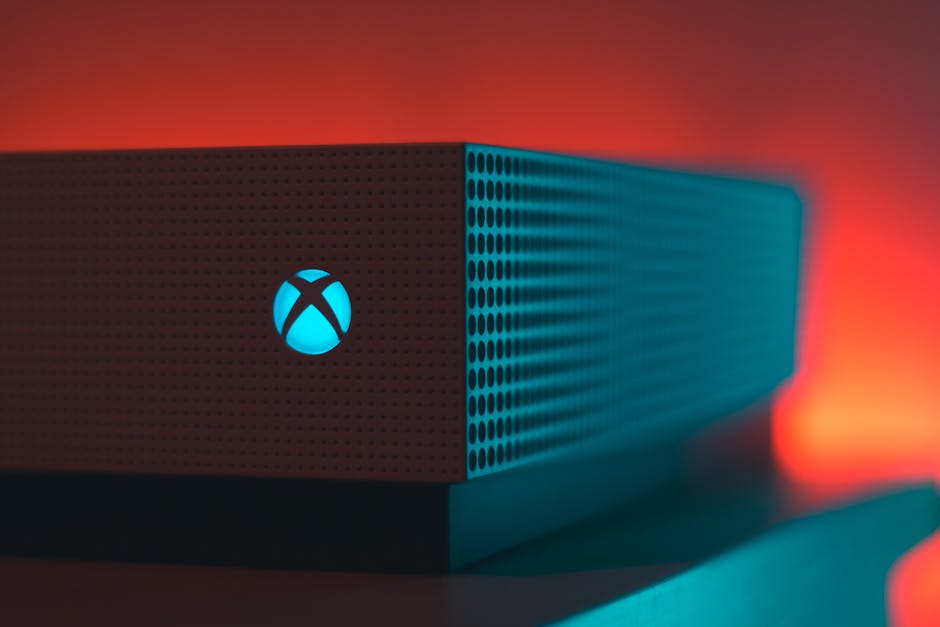
So, you’re trying to hop on a game, maybe some Call of Duty or just a quick match of Fortnite, and then…
nothing.
The screen freezes, the icon stops loading, or you just get a generic error code.
It’s that moment of pure frustration.
You look at your router, you look at your TV, and you think, “Why is Xbox down? Is it my internet? Is my console broken?” Before you start throwing controllers, let’s take a deep breath and figure out what’s actually going on.
I’ve spent way too many nights troubleshooting these exact issues, so I know the drill.
It usually isn’t as bad as it seems, and half the time it’s something simple you can fix in under five minutes.
Is It Just You or Is Everyone Down?
First things first, check if the problem is global.
Sometimes, a specific game might have a patch issue, but the whole network is fine.
Go to Status.xbox.com right now.
This is the only official place to check.
If you see red across the board, then yes, we’re all in this together.
If it’s just ‘Services’ or ‘Gaming’ that are down, you might just be on the unlucky end of a localized issue.
From what I’ve seen, Microsoft usually reacts pretty fast when there’s a widespread outage, but sometimes it takes a bit of time for the servers to come back online fully.
Common Causes: Why Is This Happening?
When Xbox goes down, it’s rarely just one thing.
It is usually a mix of a few culprits:
- Server Overload: A new season drops, or everyone is trying to play at the same time. Now think about that for a second.
The servers just can’t handle the traffic.
- NAT Type Issues: You might be fine, but your network settings are locking you out of the party.
- DNS Problems: Your router is confused about where to send the data.
- Maintenance Windows: Sometimes Microsoft takes the servers down for a few hours without announcing it clearly.
1.
The Power Cycle (The Classic Fix)
It sounds too simple, but seriously, try this first.
Unplug your Xbox completely.
Wait 30 seconds.
Then plug it back in.
It forces the system to refresh its connection with the network.
It clears out any temporary glitches in the memory.
I’ve fixed dozens of ‘unreachable host’ errors just by doing this. Here’s the interesting part.
It works surprisingly well for me, honestly.
2.
Check Your DNS Settings
If the power cycle doesn’t work, your DNS might be the culprit.
Microsoft servers often go down in specific regions, and changing your DNS can sometimes bypass the traffic jams.
- Go to Settings > Network > Advanced Settings.
- Change DNS settings to Google (8.8.8.8) or Cloudflare (1.1.1.1).
This has been a game changer for me when I’m stuck at home with a bad ISP connection.
It routes your traffic differently.
3.
Check for Updates
Make sure your console is up to date.
Sometimes an old system software version causes compatibility issues with the current online services.
A quick restart after an update usually solves this.
What If It’s Not the Servers?
Okay, you’ve checked the status site, you’ve power cycled, and you’re still stuck on the ‘Xbox Live is Unavailable’ screen.
It might be your console.
If you’re getting error codes, like E101 or E101 0x8015D002, it could mean the hard drive is having trouble reading the data.
In that case, you might need to consider a repair. Now think about that for a second.
Don’t just throw it in the trash, though.
There are some great repair services out there that can replace the hard drive or fix the HDMI port for a fraction of the price of a new console.
Checking out a repair guide might save you a lot of money.
When to Call the Pros
If you’ve tried everything—factory reset, new DNS, checking cables—and you’re still stuck—then it’s time to stop pulling your hair out. But there’s a catch.
There is a possibility of a hardware failure.
If your Xbox makes a buzzing sound or smells like burning plastic, unplug it immediately.
Otherwise, for general connectivity issues, a quick phone call to Microsoft Support or a visit to a local repair shop is usually the best bet.
They have tools we don’t have access to.
Final Thoughts
It sucks when your downtime is ruined, right? But remember, most of the time, it’s a software hiccup, not a broken machine.
Try the power cycle first, because it’s the easiest fix.
Then check those DNS settings.
If you’re in a region that’s specifically hit hard by the outage, sometimes using a VPN can help route your connection differently, though that’s a bit advanced for a beginner. And this is where things get interesting.
Stick to the basics first.
Troubleshoot your Xbox One connection if you want to see if it’s a device-specific issue.
Stay patient, and I hope the servers are back up before you finish this article.
Image source: pexels.com
Image source credit: pexels.com