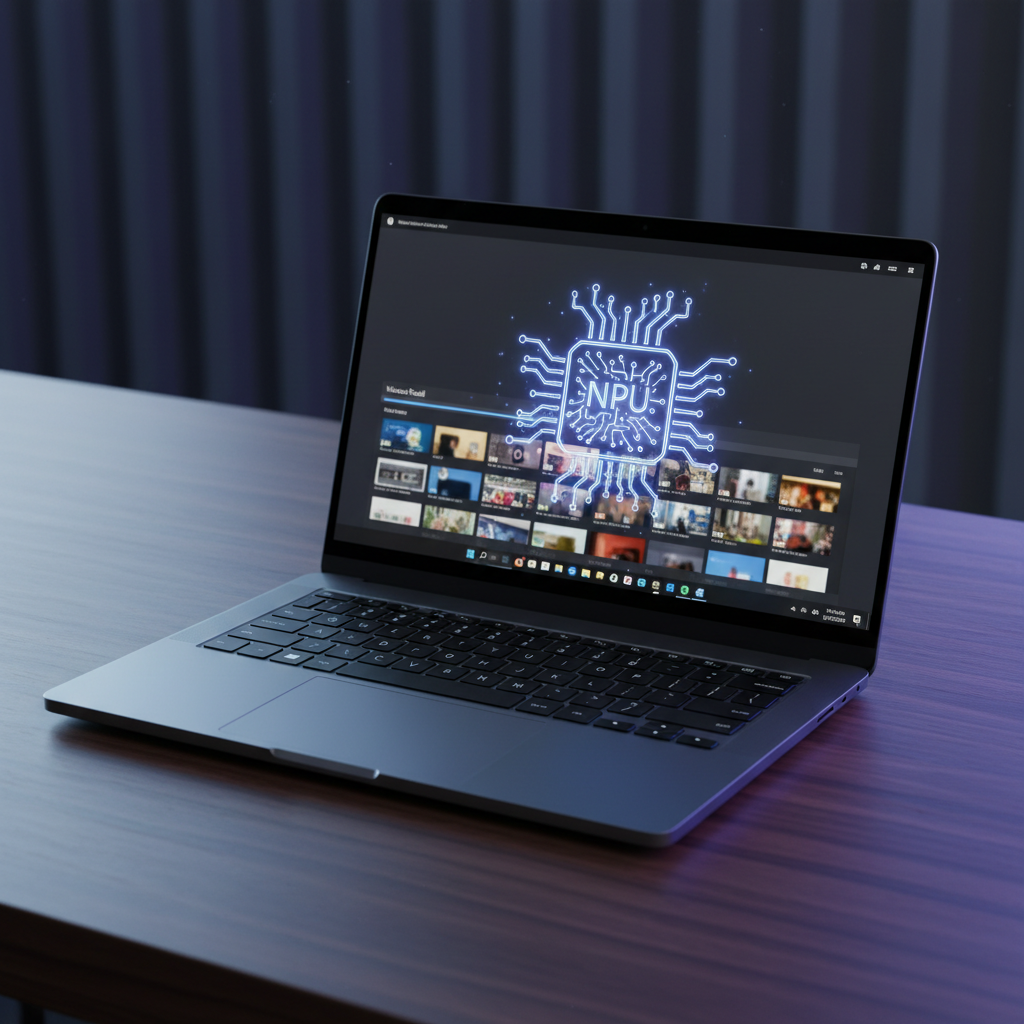
The Birth of the Copilot+ PC
The PC market hasn’t seen a shake-up this significant since the transition from spinning hard drives to SSDs. For years, we measured progress by gigahertz and core counts. Suddenly, the conversation has shifted to “TOPS”—trillions of operations per second. Microsoft announced the Copilot+ PC brand not as a mere software update, but as a hardware mandate that alters the fundamental architecture of the laptops we use every day.
A Copilot+ PC isn’t just a laptop with an AI button on the keyboard. It is a device specifically engineered to run artificial intelligence models locally, on your desk, without pinging a server in a remote data center. This shift is driven by three pillars: performance, battery life, and privacy. But beneath the marketing buzz, there is a complex reality involving new silicon, a controversial feature called Recall, and a question of whether the average user actually benefits from this specialized hardware.
What Exactly is an NPU?
To understand Copilot+ PCs, you have to understand the Neural Processing Unit (NPU). For decades, your computer relied on two main brains. The CPU (Central Processing Unit) is the generalist, handling everything from opening Chrome to calculating spreadsheets. The GPU (Graphics Processing Unit) is the specialist, handling pixels, 3D rendering, and video games. While GPUs are actually quite good at AI math, they are power-hungry monsters. If you run a large language model on a laptop GPU, your battery will vanish in an hour.
The NPU is a different beast. It is a tiny, highly specialized circuit designed to do one thing: high-speed, low-power math for neural networks. Think of the CPU as a master chef, the GPU as a team of line cooks, and the NPU as a dedicated machine that only makes pasta. It doesn’t do everything, but it makes pasta faster and cheaper than the humans ever could. In a Copilot+ PC, the NPU must hit at least 40 TOPS. This specific threshold allows Windows to run AI features in the background without stealing cycles from your CPU or making your fan sound like a jet engine.
Why the 40 TOPS Requirement Matters
Microsoft didn’t pick the number 40 out of a hat. Previously, NPUs in Intel Core Ultra (Series 1) chips reached about 10 to 11 TOPS. While that was fine for basic background blur in Zoom calls, it wasn’t enough for the “generative” era. By requiring 40 TOPS, Microsoft is ensuring that the hardware can handle “on-device” models. This means the AI can see what you’re doing and assist you without waiting for an internet connection. It is the difference between a smart assistant that lives in the cloud and one that lives in the silicon.
The Elephant in the Room: Windows Recall
The most discussed—and polarized—feature of the Copilot+ era is Recall. It is essentially a photographic memory for your computer. When enabled, Recall takes encrypted snapshots of your screen every few seconds. It then uses the NPU to analyze these images, identifying text, objects, and contexts. If you remember seeing a blue dress on a shopping site three days ago but can’t find the link, you simply type “blue dress” into Search, and Recall shows you exactly when it was on your screen.
The privacy implications of this are immense. Security researchers immediately raised alarms about what happens if malware gains access to these snapshots. Microsoft responded by making Recall an “opt-in” feature and adding layers of Windows Hello biometric authentication. Because the NPU handles the processing, these snapshots never leave your device. They aren’t used to train Microsoft’s global AI models. However, the psychological hurdle remains: Do you want your computer “watching” you, even if the watcher is a local, encrypted chip?
How Recall Uses Your Hardware
This is where the NPU becomes mandatory. If the CPU had to analyze every screen snapshot for keywords and context, your computer would crawl to a halt. The NPU does this processing “silently.” It waits for idle moments to index your activities, ensuring that your workflow remains smooth. Without that dedicated silicon, Recall would be a massive drain on system resources, making it a frustrating rather than helpful tool.
Real-World Benefits Beyond the Hype
If you don’t care about a searchable timeline of your computer’s history, why else would you want a Copilot+ PC? The benefits usually fall into three categories: media creation, communication, and battery longevity.
- Live Captions: Copilot+ PCs can translate 44 languages into English in real-time, across any app. Whether it’s a YouTube video, a live Zoom call, or a local video file, the NPU handles the translation without lag.
- Cocreator in Paint: Using a combination of ink strokes and text prompts, the NPU can generate art locally. This isn’t like DALL-E, where you wait for a server; it happens as you move your stylus.
- Windows Studio Effects: This includes advanced background blur, “eye contact” correction (making it look like you’re looking at the camera even when you’re reading notes), and voice focus that filters out background noise more effectively than software-only solutions.
Perhaps the most underrated benefit is battery life. The first wave of Copilot+ PCs launched with Qualcomm’s Snapdragon X Elite chips, which are based on ARM architecture. Because these chips are more efficient than traditional x86 chips from Intel or AMD—and because they offload heavy AI tasks to the NPU—we are finally seeing Windows laptops that can truly compete with the MacBook Air’s 15-20 hour battery life.
Do You Actually Need a Dedicated NPU?
This is the thousand-dollar question. If you are shopping for a laptop today, should you ignore anything that isn’t Copilot+ certified? The answer depends entirely on your specific use case. Let’s look at who needs it and who can wait.
The “Yes” Camp: Early Adopters and Creative Professionals
If you live in creative suites like Adobe Premiere or DaVinci Resolve, the NPU is becoming a vital asset. Features like “Magic Mask” or “Auto Reframe” are being updated to leverage the NPU. This frees up your GPU to handle the actual video rendering, significantly cutting down work times. Similarly, if your job involves constant video conferencing, the NPU’s ability to clean up your audio and video without killing your battery is a legitimate game-changer.
The “No” Camp: Gamers and Casual Users
If you primarily use your PC for gaming, a 40 TOPS NPU won’t make your frame rates higher—at least not yet. While AI upscaling (like DLSS) is huge in gaming, that is still handled by the GPU’s tensor cores, not the Windows NPU. For casual users who just browse the web and watch Netflix, the NPU is currently “dark silicon”—hardware you paid for but aren’t really using. You might be better off spending that money on a higher-quality OLED display or a more comfortable keyboard.
The ARM Transition and Software Compatibility
One of the biggest hurdles for the current crop of Copilot+ PCs is that they run on ARM-based processors. For years, Windows on ARM was a disaster. Apps were slow or wouldn’t run at all. With the new “Prism” emulation layer, Microsoft has made massive strides. Most apps—Chrome, Slack, Spotify, Photoshop—run perfectly. However, if you use niche professional software, old industrial tools, or certain kernel-level anti-cheat systems for games, you might run into walls.
The good news is that Intel and AMD aren’t sitting still. Intel’s “Lunar Lake” and AMD’s “Strix Point” chips are bringing 40+ TOPS to the traditional x86 architecture. This means soon you won’t have to choose between a powerful NPU and the broad compatibility of traditional Windows. You’ll be able to have both.
The Future of On-Device AI
The PC market is moving toward a “Small Language Model” (SLM) future. Currently, when you use ChatGPT, you are talking to a massive model in a data center. SLMs are smaller, more efficient versions that can live entirely on your laptop. This allows for privacy-first AI. Imagine an AI agent local to your PC that can draft emails based on your previous writing style, organize your files based on your projects, and summarize your meetings—all without your data ever hitting the cloud.
This is the ultimate goal of the Copilot+ PC. It isn’t just about the features we have today, like background blur or Recall. It is about building the foundation for a computer that understands you. The NPU is the hardware requirement for that future. It is the ticket to the dance, even if the music hasn’t fully started playing yet.
The Verdict: To Buy or Not to Buy?
If you are buying a laptop today to last you the next five years, aiming for a Copilot+ PC is a smart insurance policy. Even if you don’t use the AI features today, developers are increasingly building apps that expect an NPU to be present. In two years, an NPU might be as essential for a smooth Windows experience as 16GB of RAM is today.
However, don’t let the marketing pressure you into an upgrade you don’t need. If your current laptop works fine and you aren’t desperate for better battery life or “Recall” functionality, sit this generation out. The tech is evolving rapidly. By the time you actually need an NPU, the hardware will be faster, the software will be more stable, and the privacy concerns around features like Recall will likely have clearer, more user-friendly resolutions. The era of the AI PC is here, but like all first-generation tech, the best version is always just around the corner.
Frequently asked questions
What defines a Copilot+ PC?
A Copilot+ PC is a new category of Windows laptop designed specifically for AI. It requires a processor with a Neural Processing Unit (NPU) capable of at least 40 TOPS (Trillion Operations Per Second), 16GB of RAM, and 256GB of SSD storage.
Do I really need an NPU if I have a powerful GPU?
While a GPU can handle AI tasks, an NPU is designed to be much more power-efficient. Using an NPU allows your laptop to run AI features like background blur or live captions without draining the battery or slowing down the CPU/GPU while you play games or edit video.
What is Windows Recall and is it safe?
Recall is a Windows feature that takes snapshots of your screen every few seconds to create a searchable timeline of everything you’ve done. On Copilot+ PCs, these snapshots are processed locally on the NPU and encrypted, meaning the data stays on your device rather than being sent to the cloud.
Can I skip the Copilot+ upgrade for now?
If you mainly use your computer for basic web browsing, word processing, or legacy software that hasn’t been optimized for ARM, you likely don’t need a Copilot+ PC yet. However, if you want long battery life and better video conferencing features, it might be worth considering.
Which processors support Copilot+ features?
Currently, the Qualcomm Snapdragon X Elite and X Plus chips power the first wave of Copilot+ PCs. Intel (Lunar Lake) and AMD (Ryzen AI 300) have since released chips that meet the 40+ TOPS requirement for future devices.